




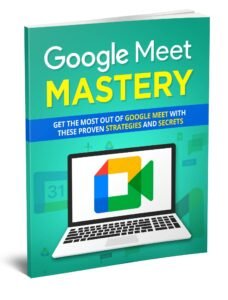



Master Google Meet: The Ultimate Video Conferencing Guide
Original price was: $7.00.$0.00Current price is: $0.00.
Mastering Google Meet on Various Devices
Google Meet is accessible on a variety of devices, including desktops, laptops, tablets, and smartphones. This section provides guidance on how to use Google Meet across different devices, ensuring that you can stay connected and productive, no matter where you are.
Creating and Managing Meetings
Creating and managing meetings efficiently is key to mastering Google Meet. Follow the step-by-step instructions provided to schedule, host, and manage meetings with ease. Learn how to handle recurring meetings, adjust settings, and utilize advanced features to enhance your meeting experience.
Enhancing Your Google Meet Skills
Whether you’re new to Google Meet or seeking to improve your existing skills, this guide offers valuable insights to elevate your video conferencing capabilities. By the end of this guide, you’ll be equipped to navigate Google Meet confidently and make the most of its extensive features.
Private Label Rights
This product comes with Private Label Rights, allowing you to use and modify the content according to your needs. Customize the guide to suit your specific requirements and share it with your audience, enhancing their video conferencing skills while providing valuable information.
Product info
- License: Private Label Rights
- Terms: PU, GA, RR, MRR, PLR
- Size: 16.22 MB
Master Google Meet: The Ultimate Video Conferencing Guide is a comprehensive guide designed to help users maximize their experience with Google’s video conferencing platform. This guide is tailored to equip readers with the knowledge and skills necessary to effectively use Google Meet for a variety of purposes.
Getting Started with Google Meet
Begin your journey with Google Meet by understanding the basics. Setting up an account is simple and quick, allowing you to start hosting and joining meetings in no time. This section covers the initial steps to ensure you’re ready to dive into video conferencing.
Exploring Free Account Features
The software offers a range of features even with its free account. Learn about the capabilities available to you without any cost, including the number of participants you can host, the duration of meetings, and the basic functionalities that come with a free account.
Setting Up and Joining Meetings
One of the essential aspects of the software is the ability to set up and join meetings seamlessly. This section provides step-by-step instructions on creating new meetings, sending out invitations, and joining meetings with ease, ensuring a smooth and efficient start to your video conferencing sessions.
Managing Participants: Adding and Removing
Effective meeting management includes controlling participant access. Learn how to add and remove participants as needed, ensuring that your meetings remain organized and secure. This feature is crucial for maintaining control over who joins your meetings.
Customizing Meeting Layouts
Google Meet offers several layout options to enhance your meeting experience. Discover how to change and customize layouts to suit your preferences, whether you prefer a grid view, spotlight, or sidebar layout. Customizing layouts can help you focus better during meetings and enhance the overall user experience.
Using Closed Captions
Improve accessibility by utilizing the closed captions feature in Google Meet. This section explains how to enable and use closed captions, making your meetings more inclusive for participants who may have hearing impairments or prefer to read the dialogue.
Muting Microphones and Pinning Participants
Maintaining order during meetings is crucial, especially in larger gatherings. Learn how to mute microphones to minimize background noise and how to pin specific participants to keep the focus on key speakers or presentations. These features are essential for a smooth and productive meeting environment.
Leveraging the Chat Feature
The chat feature in the software is a powerful tool for communication. Discover how to use the chat function effectively to share messages, links, and important information without interrupting the flow of the meeting. This feature enhances collaboration and keeps everyone on the same page.
Changing Background Settings
Personalize your video conferencing experience by changing your background settings. Learn how to select virtual backgrounds or blur your background to maintain privacy and professionalism. Customizing backgrounds can help create a more polished and distraction-free meeting environment.
Mastering Google Meet on Various Devices
Google Meet is accessible on a variety of devices, including desktops, laptops, tablets, and smartphones. This section provides guidance on how to use Google Meet across different devices, ensuring that you can stay connected and productive, no matter where you are.
Creating and Managing Meetings
Creating and managing meetings efficiently is key to mastering Google Meet. Follow the step-by-step instructions provided to schedule, host, and manage meetings with ease. Learn how to handle recurring meetings, adjust settings, and utilize advanced features to enhance your meeting experience.
Enhancing Your Google Meet Skills
Whether you’re new to Google Meet or seeking to improve your existing skills, this guide offers valuable insights to elevate your video conferencing capabilities. By the end of this guide, you’ll be equipped to navigate the software confidently and make the most of its extensive features.
Private Label Rights
This product comes with Private Label Rights, allowing you to use and modify the content according to your needs. Customize the guide to suit your specific requirements and share it with your audience, enhancing their video conferencing skills while providing valuable information.
Product info
- License: Private Label Rights
- Terms: PU, GA, RR, MRR, PLR
- Size: 16.22 MB
| License | Master Resale Rights |
|---|---|
| File Size | Small |
Only logged in customers who have purchased this product may leave a review.


Related products


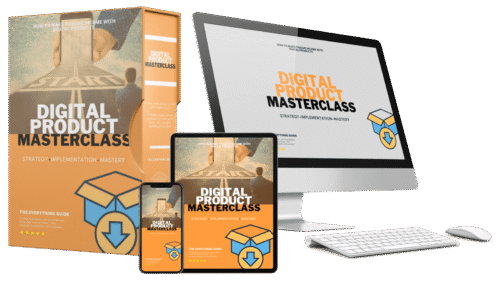
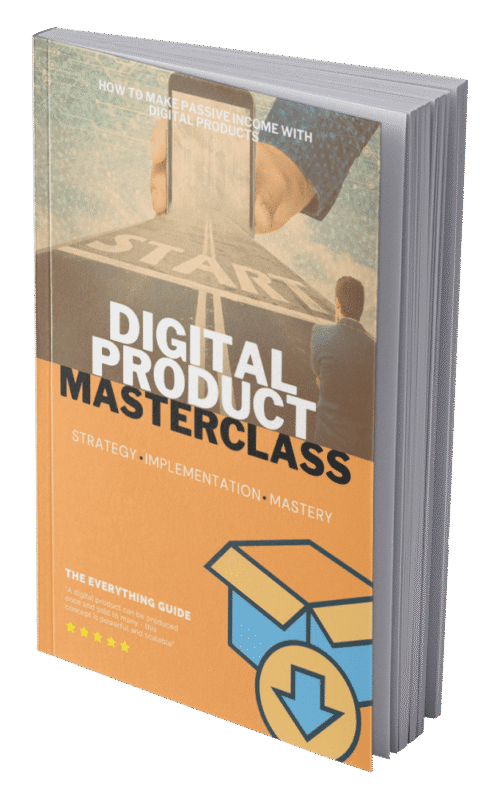
Best Digital Product Course Book with MRR Download
Original price was: $19.99.$2.99Current price is: $2.99.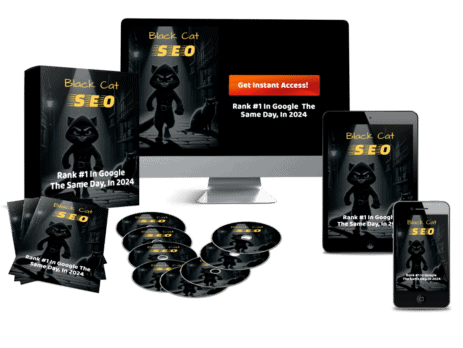

Black Cat SEO Course: Mastering Search Engine Optimization With Full PLR Rights
Original price was: $27.00.$7.00Current price is: $7.00.
Build a Profitable Online Business in 2024 with the 1K PayDay HD Video Course and eBook – MRR
Original price was: $47.00.$7.99Current price is: $7.99.
Google Maps Profits Power of Free Business Listings
Original price was: $7.00.$1.00Current price is: $1.00.

How To Use Canva App For Beginners and Experts – Canva Training Bundle
Original price was: $17.00.$5.00Current price is: $5.00.

Online Business Blueprint 2026 Video Course & eBook with PLR
Original price was: $17.00.$3.99Current price is: $3.99.

Reviews
There are no reviews yet.